RFQ Overview
The RFQ (Request for Quote) module is the starting point for most customer work in the system. It enables users to create, manage, and track Requests for Quote from the initial customer inquiry through the quoting process.
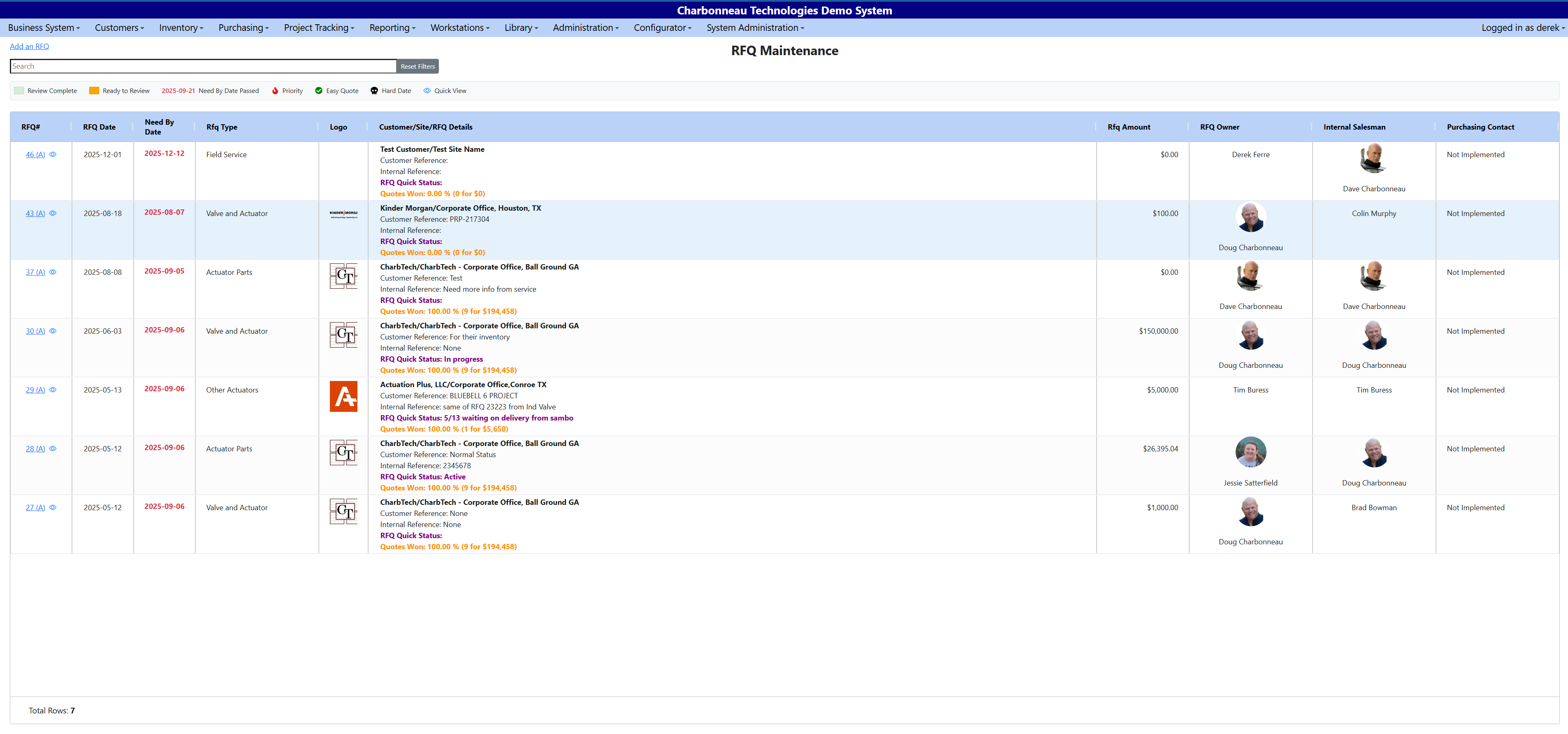
The RFQ module allows you to:
- Capture customer pricing requests
- Track RFQs through review and quoting
- Create Quotes and Jobs from RFQs
RFQs can be created in two primary ways:
- Manual entry using the Add an RFQ workflow
- AI email upload, where the system extracts customer details directly from an email
The RFQ List serves as the central hub where users can view, search, and manage all RFQs.
Typical RFQ Lifecycle
- A customer inquiry is received (phone call, email, or other request).
- An RFQ is created and assigned to a salesperson and approver.
- Line items and notes are added to the RFQ.
- The RFQ is reviewed and updated as needed.
- The RFQ is converted into a Quote.