Logging In
When accessing the Business System, you will see the Business System Login page.
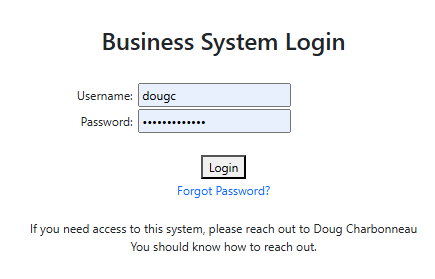
The login page includes:
- Username field
- Password field
- Login button
- Link for Forgotten Password
- A note explaining who to contact for access
Steps to log in
- Enter your assigned username.
- Enter your password.
- Click Login.
If you do not have login credentials or are unable to sign in, contact your system administrator.
Troubleshooting
- Check that Caps Lock is off.
- If your password has recently changed, be sure you are using the latest one.
- If your account has been locked, your administrator can reset it for you.